The Mixed Yield page is a dedicated space for depositing into Mix-Yield Token vaults. Each MYT pools capital across multiple yield strategies and compounds automatically, with no manual harvesting required.
Prerequisites
- Connect your wallet and switch to the chain that holds the assets you plan to deposit.
- Confirm you have ETH for gas on that chain.
Step 1 – Open Mixed Yield
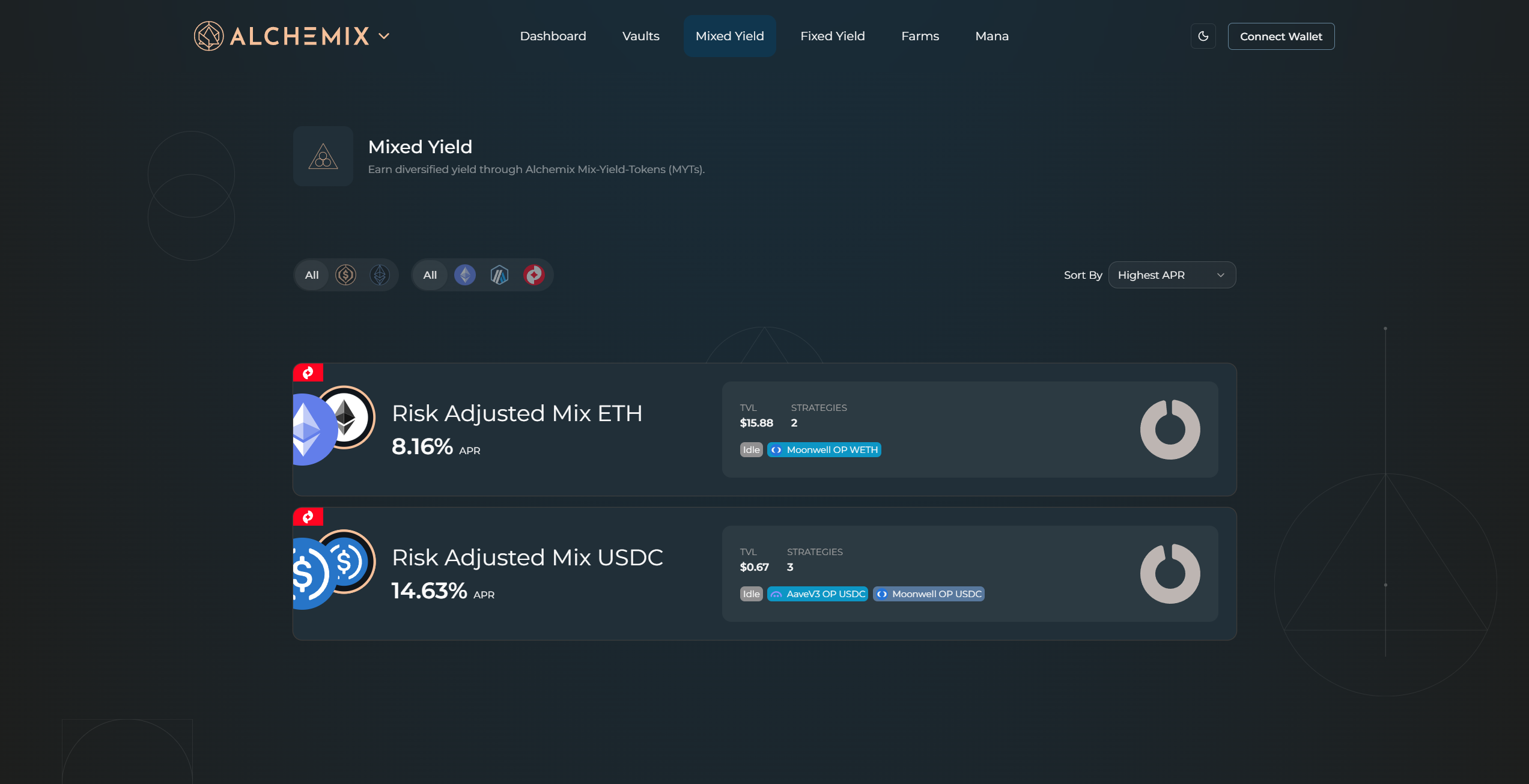
Open Earn in the top navigation and choose Variable Rate, or go directly to alchemix.fi/mixed-yield.
Step 2 – Find your MYT
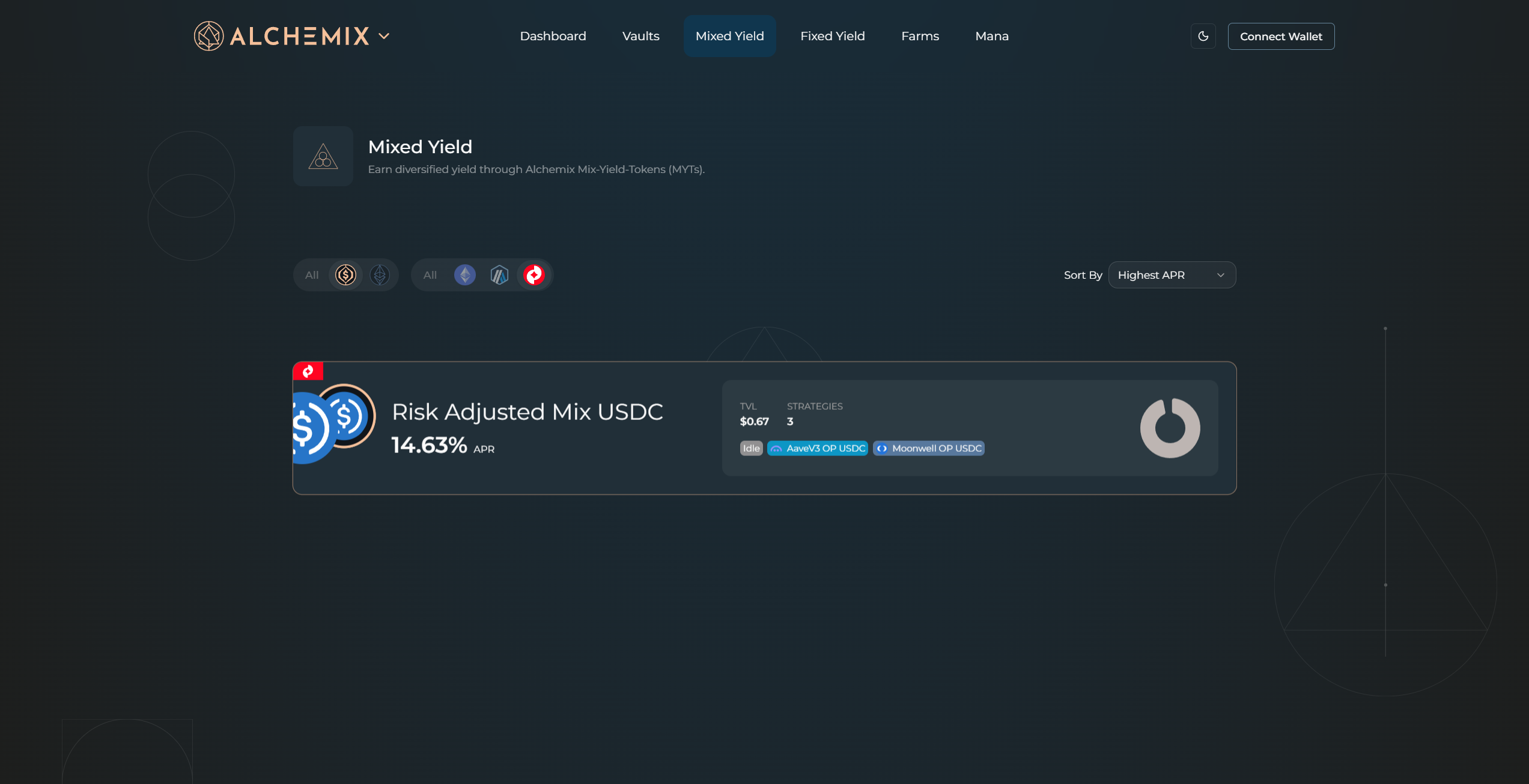
Use the asset filters (alUSD or alETH) and chain filters to narrow the list. Sort by Highest APR to surface the best current rates. Click any card to expand it.
Step 3 – Review strategy allocation
The expanded card shows the MYT's current APR, total deposits across all users, and your own balance in the vault. The strategy breakdown sits on the right side, listing the strategies the vault is actively deployed in along with each strategy's risk level and allocation percentage.
Step 4 – Enter a deposit amount
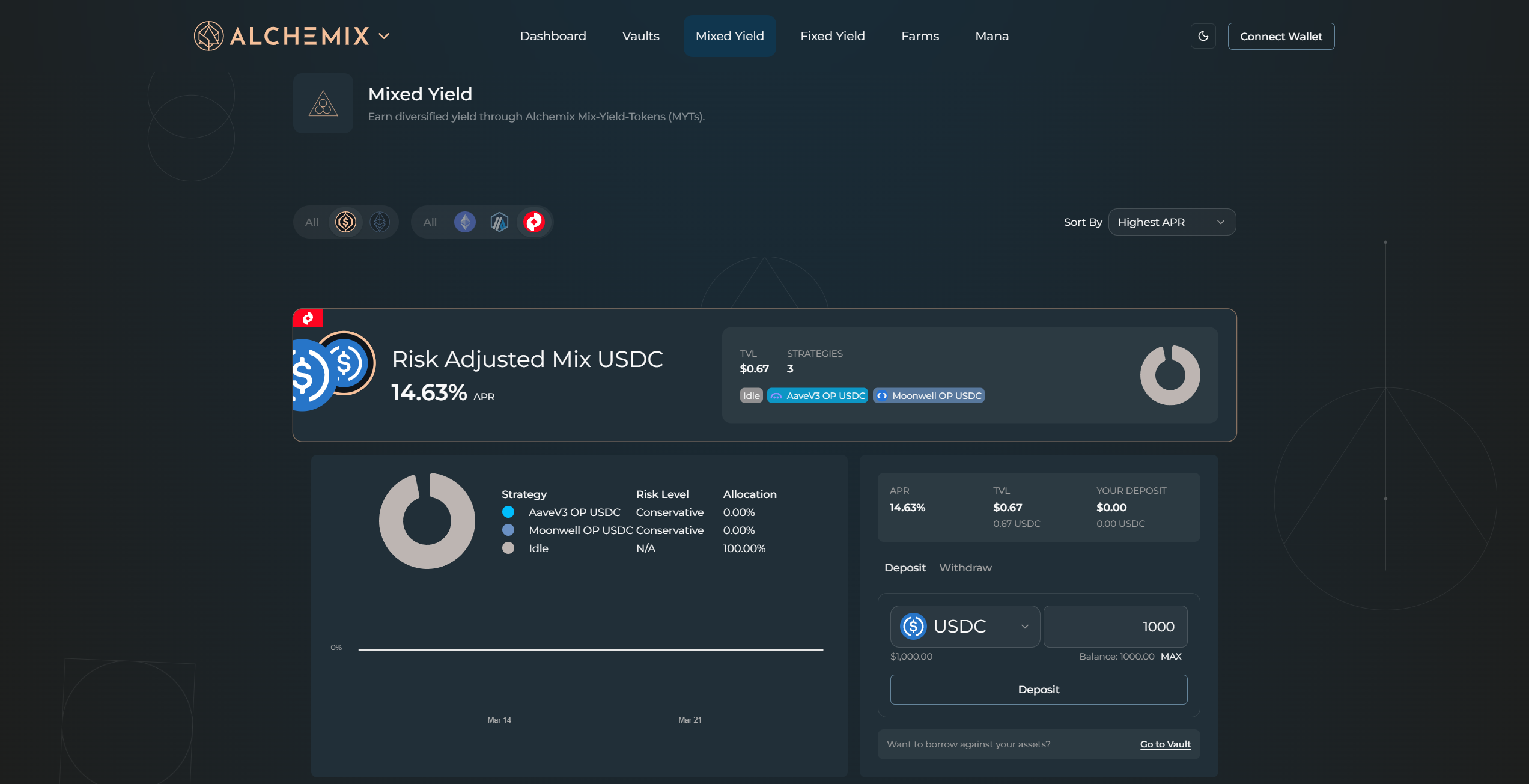
Stay on the Deposit tab inside the expanded card. Select your asset from the dropdown and type the deposit amount.
Step 5 – Confirm the transaction
Click Deposit. Your wallet shows the network, gas estimate, and amounts. Approve the transaction.
Step 6 – Track your deposit
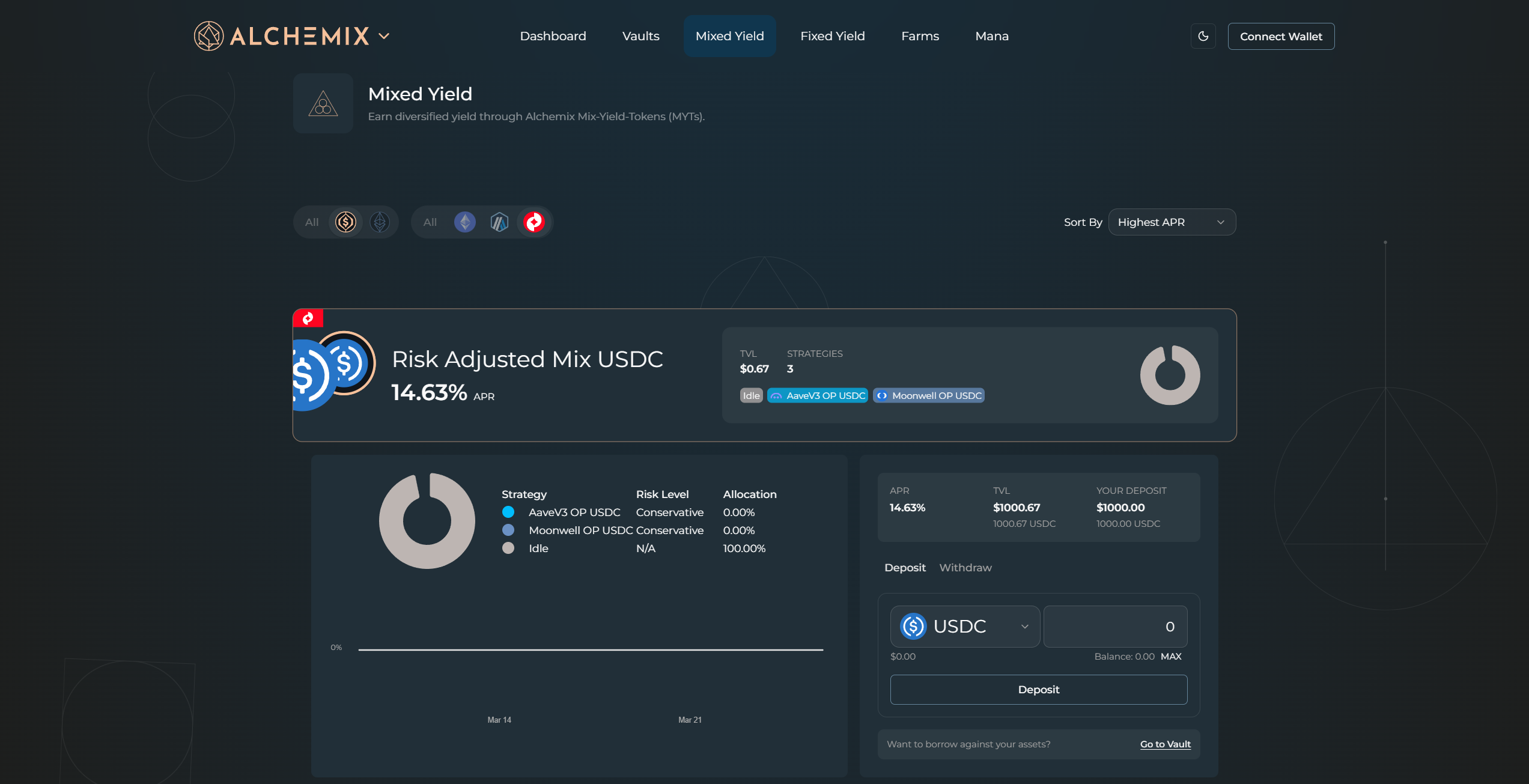
Return to the Dashboard and find your position under Mixed Yield Token Holdings. This is the primary view for monitoring balances across all your MYT deposits. As yield accrues the redemption value of each MYT increases automatically.
To borrow against your deposit, head over to the Borrow page.
Why use Mixed Yield instead of managing strategies directly?
- Diversified yield – capital is spread across multiple strategies, curated and rebalanced by the DAO.
- Auto-compounding – yield compounds continuously with no manual restaking.
- Transparency – strategy weights, risk levels, and historical performance are visible on-chain.